
Slack integration
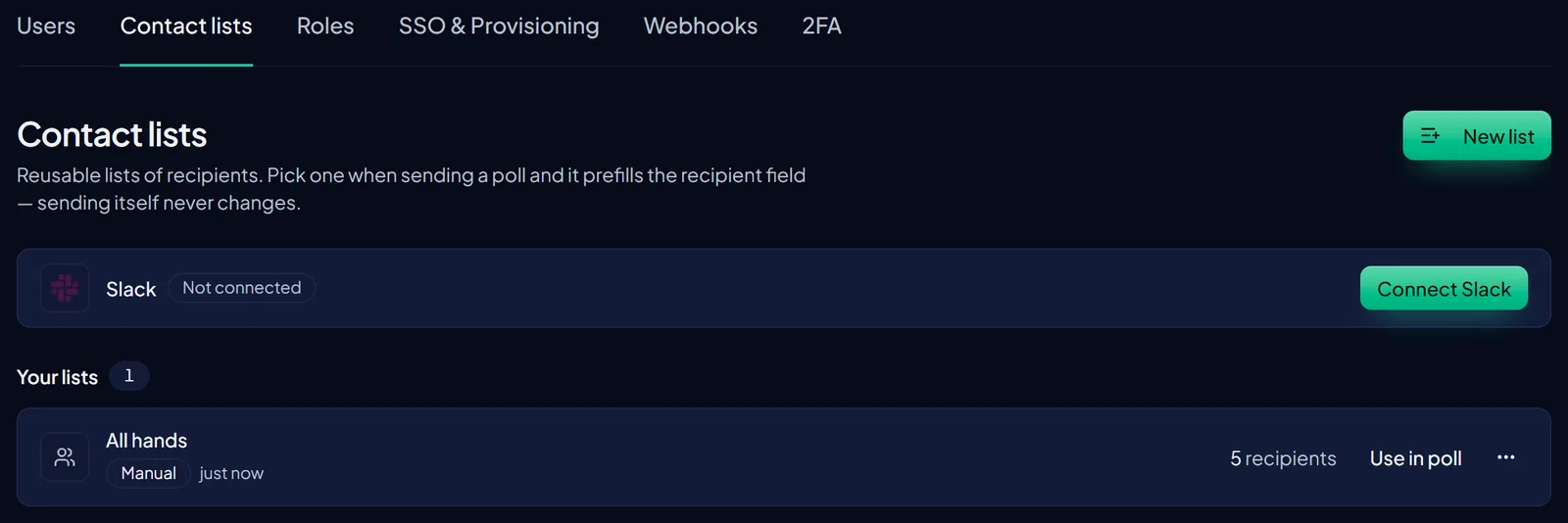
Overview InviziPoll integrates with Slack to help you reach internal teams where they already work. The integration supports: 1. Importing Slack…
On this page
Heads up: Slack is a distribution channel: responses still happen on the InviziPoll response page with the same encryption and anonymity rules. Connect the app under Settings → Workspace, owner only.
Overview
InviziPoll integrates with Slack to help you reach internal teams where they already work. The integration supports:
- Importing Slack members into contact lists for recipient selection
- Posting poll announcements to Slack channels with a response link
- Delivering individual access codes via Slack DM for access-code-protected polls
Slack is a distribution channel only. Poll responses are never collected through Slack. Respondents always complete the InviziPoll response page, with the same encryption and anonymity protections as any other channel.
Requirements and eligibility
Slack follows the same workspace access rules as the rest of the admin app: if your workspace is in an active trial, on a paid plan, or otherwise fully entitled, you can use Slack. If your workspace is paused because the trial ended without a subscription, Slack (like other core features) stays unavailable until billing is resolved.
If your organization has a special billing arrangement from InviziPoll support, what you see in the product may differ. Use your in-app Admin → Subscription and workspace status as the source of truth.
Only the workspace owner can connect or disconnect Slack. Open Settings → Workspace, then use the Slack card. Admins who are not owners see a narrower Workspace page without Slack connection controls.
Poll-level Slack actions (posting, reminders, channel pickers) appear when you own that poll, even if Slack is already connected for the workspace.
Connecting Slack
- Open
Settings→Workspace - In the Slack card, choose Connect
- Complete Slack’s authorization flow for the InviziPoll app
- Return to InviziPoll. The card should show the connected Slack workspace name
Credentials are stored encrypted. To disconnect, use Disconnect on the same card.
Importing Slack members into contact lists
Once connected, owners and admins can use Slack’s member directory from Admin → Contact lists. All entitled workspaces get the same options. There is no extra paywall between common plan tiers for these actions.
You’ll typically see:
- Import from Slack: create a new list or replace an existing one (you choose in the dialog).
- Refresh from Slack: update the Slack-linked contact list for your workspace with the latest directory snapshot.
Slack-linked lists may also update in the background from time to time so they don’t only change when someone clicks refresh. Behavior can vary, but you can always use Refresh from Slack when you need an up-to-date list.
Imported data is limited to what you’d normally add yourself (for example name and email where Slack provides them). Members without an email on their Slack profile are skipped.
Distributing polls via Slack
Channel announcements
In the poll wizard Distribution step (and from the poll detail page), you can post to a Slack channel. The channel list reflects what the integration can access, often channels the app has been added to.
Channel posts work well for open or PIN-protected polls where a shared link is appropriate.
Access code delivery via Slack DM
For polls that require access codes, you can deliver codes by Slack DM as an alternative to email. The same access-code rules apply as for email; only the delivery channel changes.
Large sends may proceed in batches so delivery stays reliable, with progress shown in the UI.
Reminders
From the poll detail page you can send channel or DM reminders. Because access codes are not tied to individual responses, InviziPoll cannot target “only people who haven’t responded.” DM reminders go to the same group you used for the original DM send. That behavior is intentional for anonymity.
Disconnecting Slack
Disconnecting stops new Slack sends until you reconnect. It does not delete contact lists you already imported or change polls that were published earlier.
Security and privacy
- Connection credentials are protected and not written into routine logs in readable form.
- Only the workspace owner connects or disconnects Slack for the workspace.
- No poll answer content passes through Slack.
- Slack integrations do not expose per-person completion tracking for polls.