
Passkeys and trusted devices
Heads up: Passkeys and trusted devices are managed from My account → Security . They protect key material in the browser, separate from SSO identity…
Heads up: Passkeys and trusted devices are managed from My account → Security. They protect key material in the browser, separate from SSO identity login (see Recovery…).
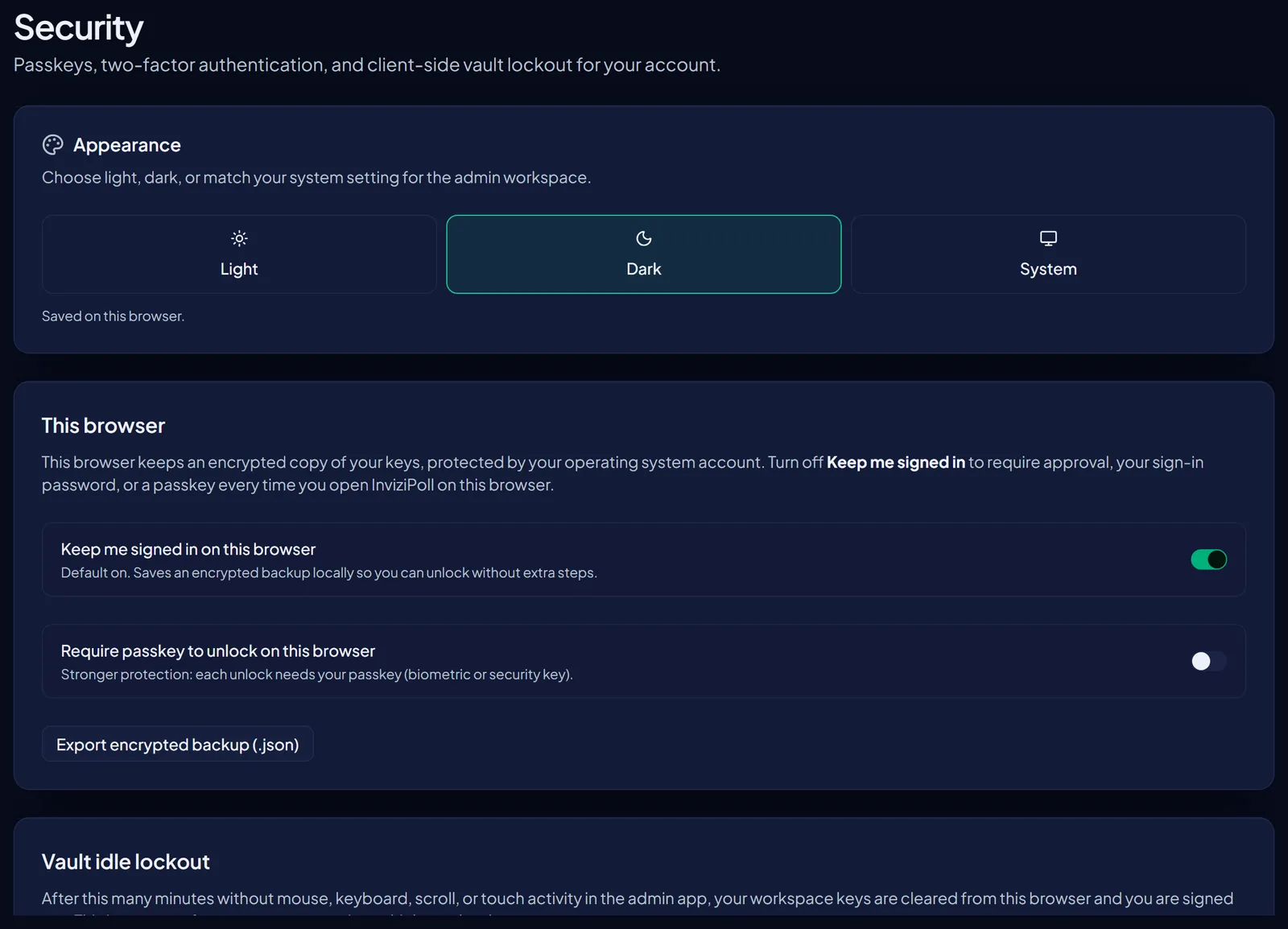
InviziPoll supports WebAuthn passkeys with a strict zero-knowledge rule: the passkey's PRF output never leaves the browser. It acts as a local key-encryption key for vault wrap/unwrap instead of (or alongside) a password.
Managing devices
Navigate to My account → Security to view your passkeys and trusted devices, with options to register new devices or revoke existing ones.
Signing in with a passkey
"Sign in with Passkey" is offered on the sign-in page. If your authenticator doesn't support PRF, the app falls back to password-based key derivation.
Onboarding
The setup wizard may prompt you to register a passkey after creating your workspace.
SSO interaction
Enterprise SSO authenticates your identity only - vault access still requires a trusted device, passkey, device handoff, or recovery material. See Recovery, emergency kit, and device handoff.