
Sign up, workspace URL, and secure handoff
Create an account, let InviziPoll derive your workspace address from your company name, and what to expect after you land in the admin app.
Your workspace address (slug) becomes part of the URL for your team's admin and poll experience. InviziPoll derives it from your company name, but you can edit it during signup — choose something stable you can share in IT runbooks, because you can't casually rename it like a display name.
You create a workspace from the InviziPoll website (use Get started / Sign up from the main site). After you finish signup, the app finishes provisioning your workspace and brings you into the admin experience for that workspace.
What the form asks for
The signup form is a single step, in this order:
| Field | Required | Notes |
|---|---|---|
| Full name | Yes | |
| Work email | Yes | Also used to prefill Company, below |
| Company | Yes | Prefilled from your work-email domain when it isn't a consumer mailbox |
| Phone | No | Used only for onboarding help — never sales calls |
| Password | Yes | At least 12 characters; the on-screen checklist shows the remaining rules |
If you sign up with a personal address (Gmail, Outlook, and similar), the Company field starts empty and you fill it in yourself.
Your workspace address
You do not pick the address directly. As you type your company name, InviziPoll derives the slug, checks availability quietly, and shows the result as a preview line:
Your workspace:
invizipoll.com/w/acme— edit
If the derived address is already taken, it appends a number automatically (acme → acme-2) and keeps going. You only have to think about it if you want to.
Select edit to set the address yourself. The field also appears on its own if the address is claimed between the check and your submit, if a company name yields nothing usable, or if the automatic numbering runs out of attempts.
Addresses must be 3–48 characters, start with a letter, end with a letter or number, and use only lowercase letters, numbers, and hyphens.
What happens next
InviziPoll creates your workspace and signs you in. You may see a short verification or setup step (for example confirming email or adding a passkey) — follow the on-screen prompts.
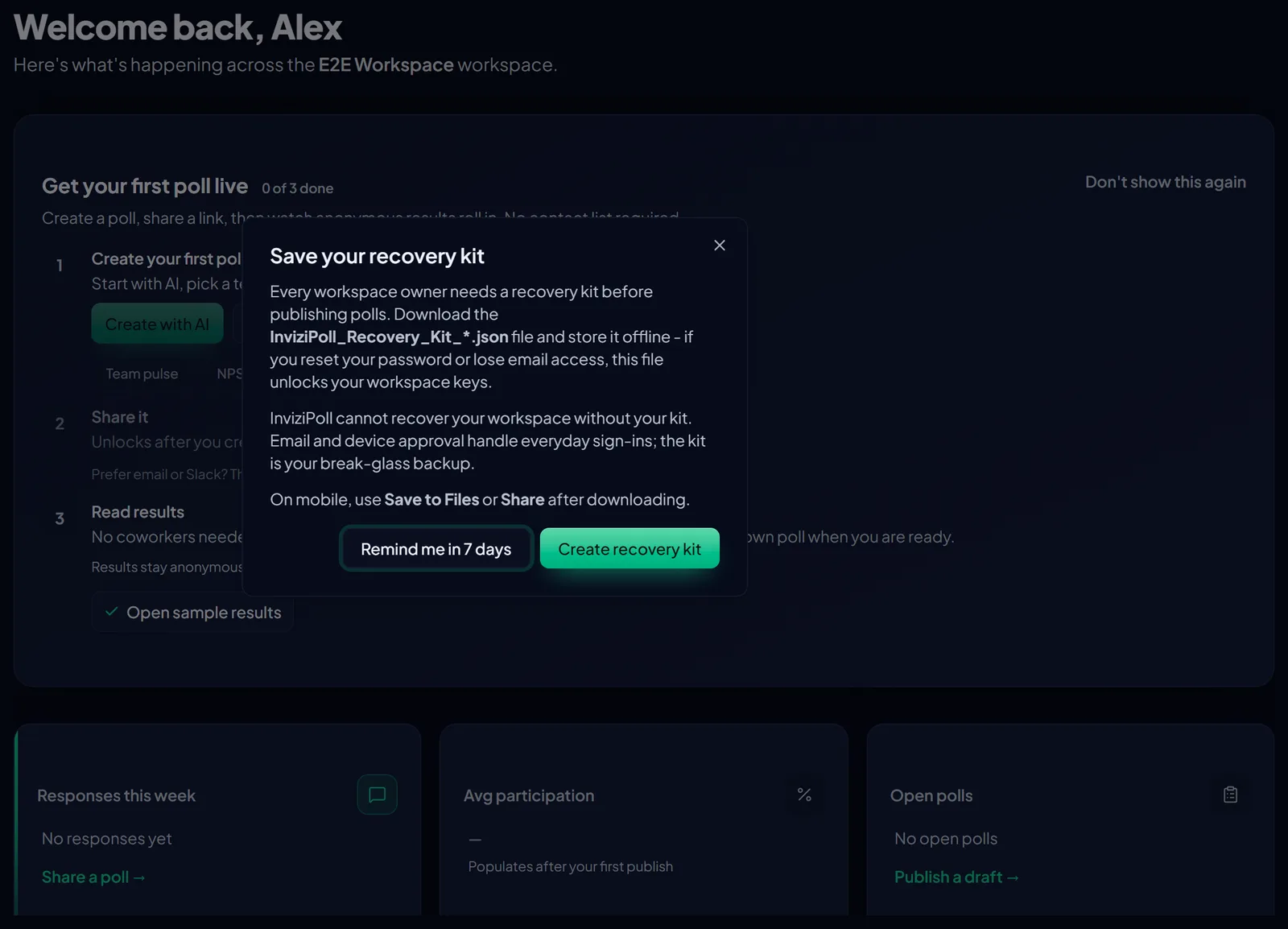
When you land in the app, use the Getting started checklist if it appears, then open Polls in the main nav when you're ready to create your first survey.
New workspaces start on a 14-day trial. See Billing, trial, and tier limits for what the trial includes and what changes when it ends.