
Workspace settings and branding
Update your InviziPoll workspace name, URL slug, logo, and respondent-facing colors. Owners manage branding; plan quotas live on Subscription.
Workspace settings control how your organization appears to respondents and how your admin URL is identified. Branding (logo and colors) applies to respondent-facing poll pages. Seat, poll, and folder limits follow your plan on Subscription - not this screen.
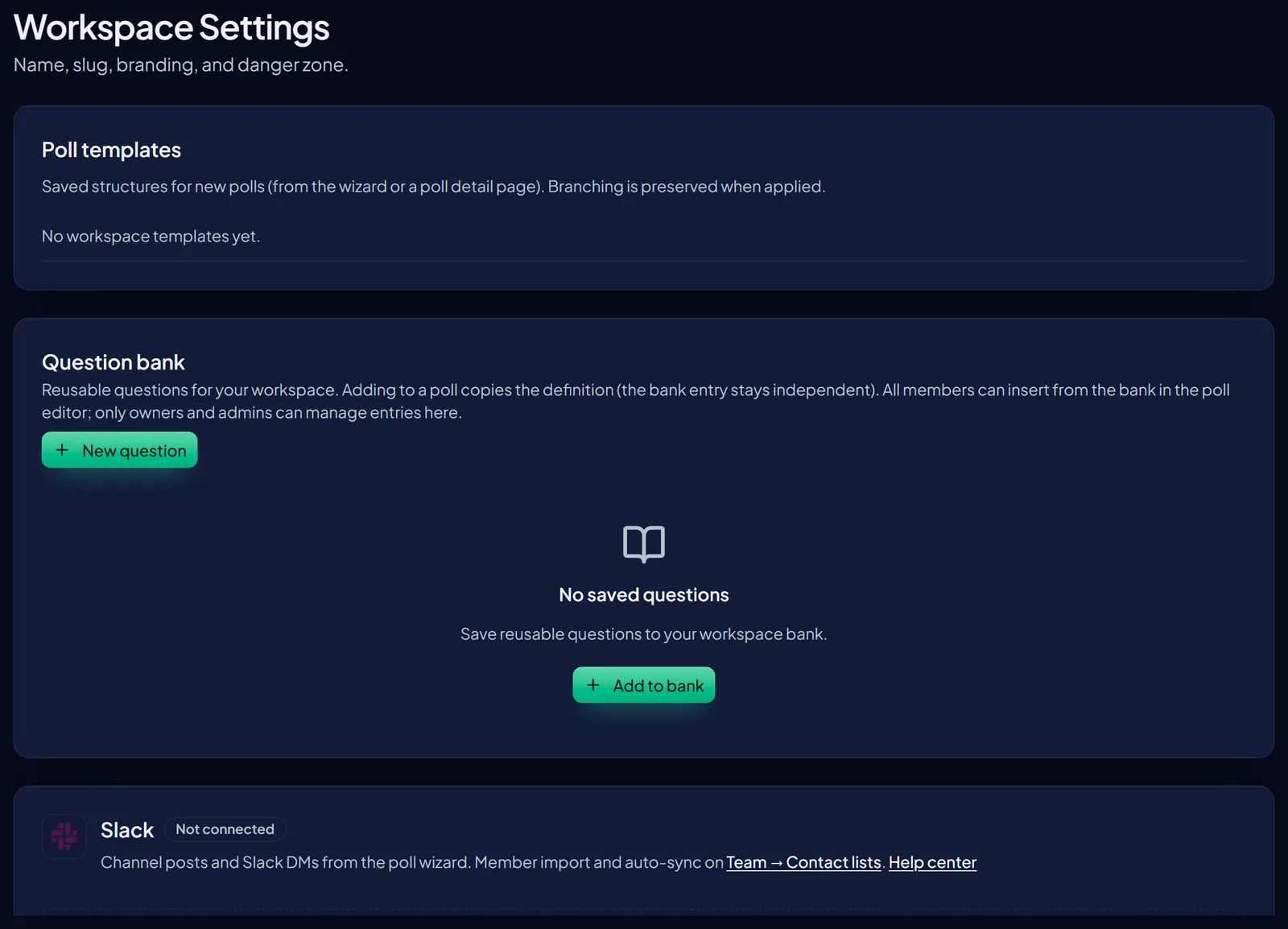
Who can edit - Workspace name, slug, logo, and colors are owner settings. Other roles use the branded respondent experience but do not change organization identity here.
Prerequisites
Sign in as the workspace owner. Have a logo file ready if you want a custom mark, and optional brand hex values that stay readable on light respondent UI.
Why this matters - Consistent branding helps employees trust that the poll is from your organization, not a lookalike form. Keep the slug stable once you have shared admin or bookmark links.
- Open Workspace settingsIn the admin app, go to Settings, then Workspace (or open Workspace from the settings hub).
- Set display nameEnter the organization name people should recognize on respondent pages and admin chrome.
- Review the URL slugThe slug identifies this workspace in admin URLs. Change it only when you understand bookmarks and shared links will need updating.
- Upload a logoAdd your mark so poll pages show your brand instead of a generic header treatment.
- Choose primary and accent colorsApply colors that remain readable on respondent screens. Save, then open a poll Preview to confirm contrast and layout.
- Confirm quotas elsewhereFor seats, poll caps, and folder limits, open Subscription. See Billing, trial, and tier limits.
What branding affects
Respondent poll pages (logo and theme colors) and workspace identity in the admin experience (name and slug).
Branding does not change anonymity thresholds, encryption behavior, or who can view aggregate results. Those stay governed by product rules and roles - see Roles and permissions.
Related docs
FAQ
Will changing colors affect the admin console theme?
Respondent branding is the focus of this page. Use Preview on a poll to verify what participants see. Admin chrome may not mirror every respondent color choice.
What happens if someone leaves the organization?
Organization-owned polls and settings stay with the workspace. People who lose membership lose access to org-tied resources; transfer ownership before the only owner leaves.
Where do I change plan limits?
Subscription, not Workspace branding. Quotas for polls, seats, and folders follow your entitled plan.